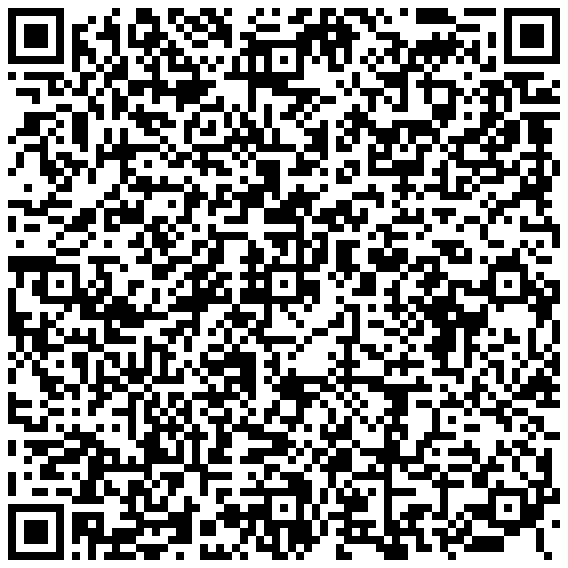
Scan to save the contact
Bassil Salameh
CEO
••••@l7consulting.dk
+•• •• ••• •••
Københavnsvej ••B, •••• Roskilde
fits.dkDanish product · European hosting
Open source · Android
A single screen, three swipeable cards. Each card's QR code carries a full vCard, so any phone camera saves the contact in one tap. The codes below are live — point your phone at your screen right now.
Android 8.0 and up · ~6.8 MB · Apache-2.0 · built and signed by GitHub Actions

AI-Powered Policy Automation
Scan to save the contact
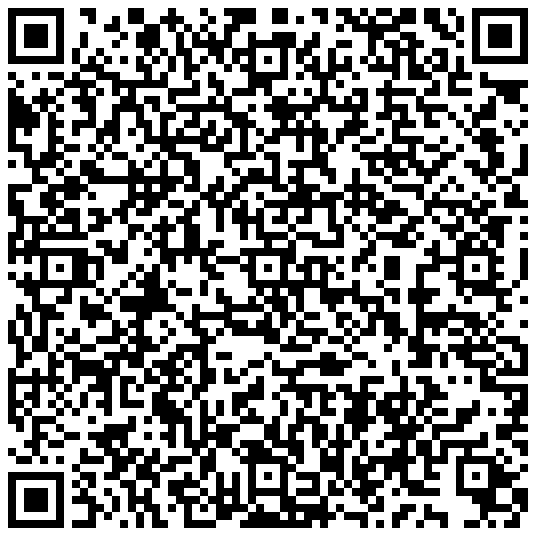
Scan to save the contact
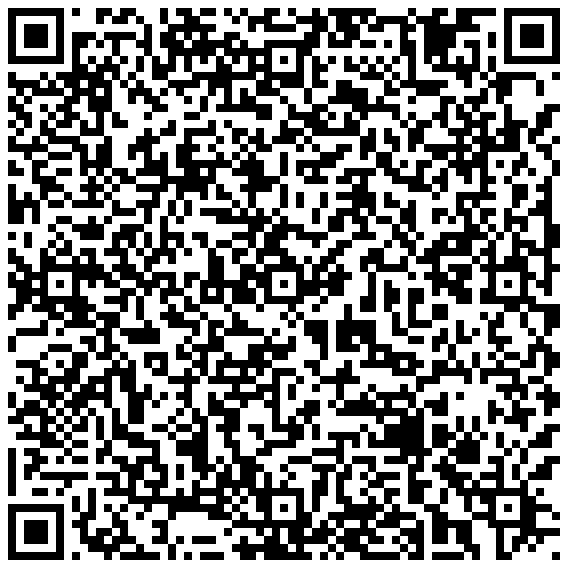
Scan to save the contact
No shortlink, no redirect, no server in the middle. The code encodes a vCard 3.0 in plain UTF-8, generated on your device. This is the exact text the card on the left is showing right now.
BEGIN:VCARD
VERSION:3.0
N:Salameh;Bassil;;;
FN:Bassil Salameh
ORG:FITS - Framework for IT Security
TITLE:CEO
TEL;TYPE=WORK,VOICE:+•• •• ••• •••
EMAIL;TYPE=WORK,INTERNET:••••@l7consulting.dk
ADR;TYPE=WORK:;;Københavnsvej ••B;Roskilde;;••••;Denmark
URL:https://fits.dk
END:VCARD
The app asks for nothing and talks to nobody. QR codes are generated on-device with ZXing, so it works in airplane mode.
Name, role, organisation, work phone, work email, the Roskilde office address and fits.dk — all inside the code itself.
Apache-2.0, Kotlin and Jetpack Compose. Change a contact in one file and the QR regenerates from it.
The APK is built and signed by GitHub Actions on every release, so what you download is what the workflow produced from this source.
Coming to F-Droid
Grab FITS-QR.apk from the latest release on GitHub.
Android will ask once whether to trust an app from outside the Play Store. This is the normal prompt for a sideloaded APK.
Swipe left or right between the three cards. Hand your phone over, or let someone scan straight off your screen.